Install Codex on Mac - One Command
Mac is the best-supported platform for Codex: the native sandbox (Seatbelt) works out of the box, and the Codex install is literally one command. Windows user? See the WSL guide.
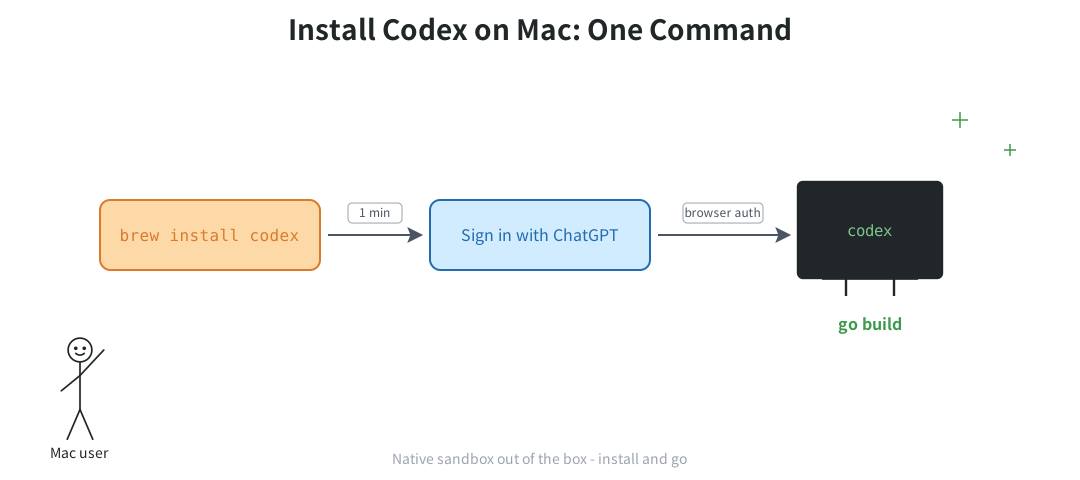
Option 1: Homebrew (Recommended)
brew install codex
codex --version
No Homebrew yet? Grab the one-liner from brew.sh first. Upgrade later with brew upgrade codex.
Option 2: npm
npm install -g @openai/codex
Needs a recent Node LTS (20+). Pick one method - installing both leaves two copies on your PATH.
Sign In and Go
cd into your project and run codex. Pick Sign in with ChatGPT, authorize in the browser with a paid account (Plus/Pro/Team), done. Or use API billing: put export OPENAI_API_KEY=... in ~/.zshrc.
Config lives in ~/.codex/config.toml (model, approval policy - check the official docs for defaults).
Apple Silicon and Intel
Both have official builds and brew picks the right one. macOS may ask for folder or keychain permissions on first run - allow and move on.
Common Issues
codex: command not found: reopen the terminal; on Apple Silicon make sure/opt/homebrew/binis on PATH.- Corporate or restricted network: Codex needs to reach OpenAI -
export https_proxy=http://127.0.0.1:PORT, see How to Pick a Proxy Client. - Uninstall:
brew uninstall codexornpm uninstall -g @openai/codex; remove~/.codex/by hand.